
Projector
A clearly identified projector with relevant specifications and condition details.
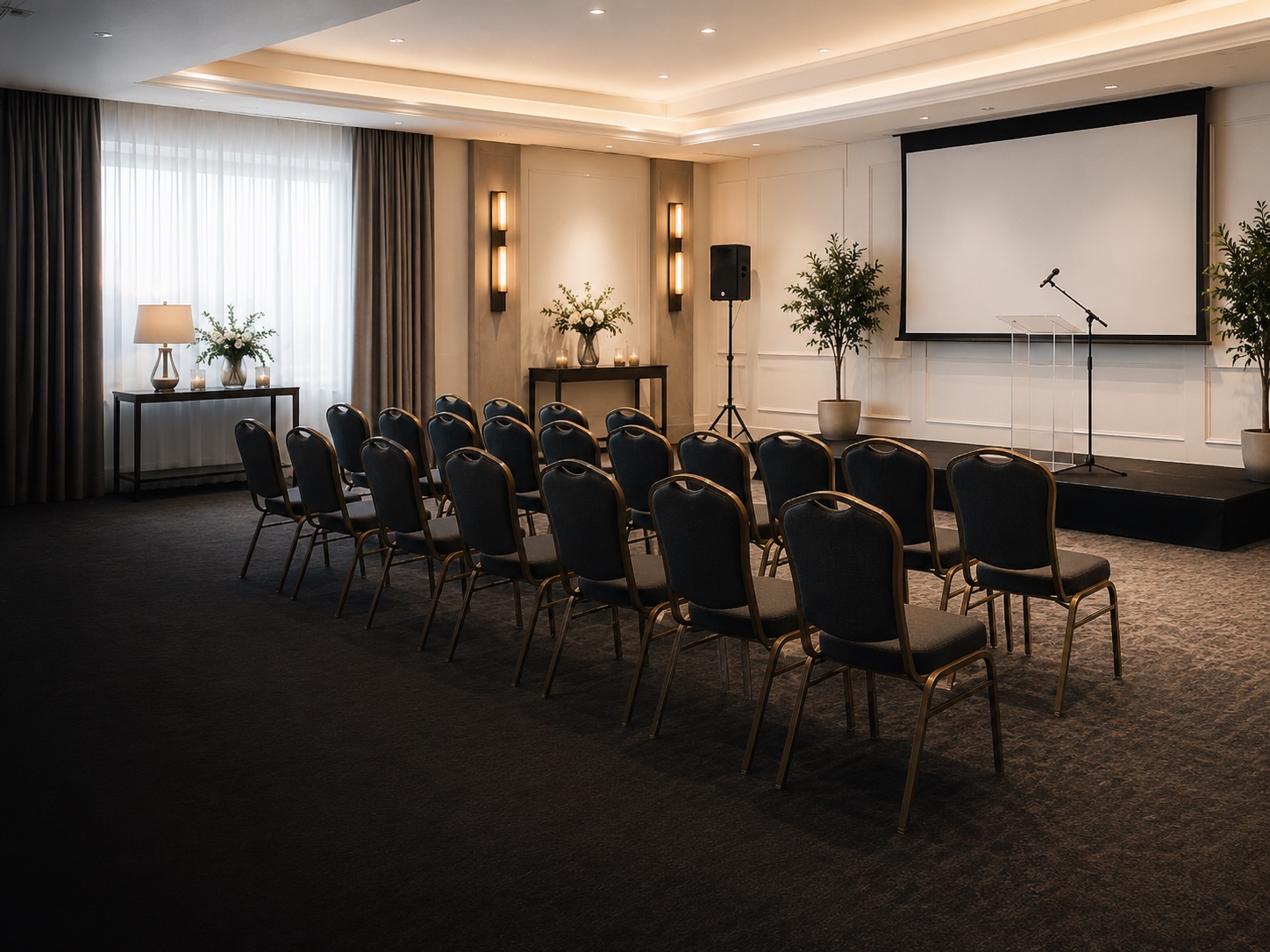
Projector Kits · Local event rentals
Explore approved projector kits from reviewed local Suppliers. Compare brightness, screen details, device connections, included accessories and pickup requirements.
CAD $300 card-on-file Deposit tierCompare the complete bundle
A useful projector listing should help you match the kit to the room and your device. Screens, adapters and speakers are not universal, so confirm every component before you request.
A clearly identified projector with relevant specifications and condition details.
A screen and its dimensions only when expressly included in the bundle.
The compatible remote, batteries or control instructions named in the listing.
HDMI or other video cables itemized by the Supplier.
USB-C, DisplayPort or device-specific adapters only where specifically listed.
A stand, carrying case or separate speaker only if included in the component list.
Made for the moment
Choose the equipment around the outcome you want, then confirm that the actual listing fits the room, schedule and event plan.
Share slides, plans, videos and training content with a room.
Display photos and video moments during weddings, birthdays and family events.
Support workshops, education sessions and small local programs.
Before you request
The listing and accepted Booking control. Use these checks to compare options and resolve important questions before acceptance.
Checkout clarity
The Deposit tier is card-on-file consent only. AidersPlus does not hold, freeze, reduce available funds, create a pending Deposit transaction or charge the Deposit at booking.
The optional Damage Waiver is a contractual risk-sharing benefit, not insurance. It has a CAD $750 aggregate limit per Booking for eligible accidental physical damage and stated exclusions. Complete terms govern.
How renting works
AidersPlus brings discovery, verification, payments and condition evidence into one marketplace journey.
Compare approved listings, every included component, dates, condition, pickup details and Supplier terms.
Complete Stripe Identity before the first Booking, then submit your dates. The Supplier has up to 48 hours to respond.
Nothing is charged while pending. Stripe processes the disclosed checkout only after Supplier acceptance.
At each handoff, the Renter and Supplier complete separate Jotform records with at least three current photos each.
Launch standard: pickup and return. Do not assume delivery, setup, takedown, operation or attendance unless the listing and confirmed Booking expressly include the service.
Projector Kits FAQ
For cancellations, claims, account support and complete platform guidance, use the full AidersPlus FAQ.
No. Some listings may include a screen and others may not. Confirm screen dimensions, stand or frame pieces and carrying components in the itemized bundle.
Check your device port and compare it with the listed cable and adapter types. If you need USB-C, HDMI or another adapter, make sure it is expressly included or bring a compatible one.
Consider the room size, image size and ambient light, then compare them with the Supplier's projector specifications and stated use. Ask through the marketplace if the listing does not resolve a key compatibility question.
Not necessarily. Review whether the bundle includes an external speaker, audio cable or only the projector's own audio capability. A separate Audio Bundle may be appropriate.
Projector Kits use a CAD $300 card-on-file Deposit tier. It does not create a hold, freeze, pending transaction or Deposit charge at booking.
Complete the plan
Build around your event needs while keeping every listing, handoff and confirmed service clear.
Ready to compare?
Review current listings, dates, complete bundle contents and pickup details directly on app.aidersplus.ca.